I switched from Gnome to Plasma 6, and & is showing on the left. Isn't this a bug?



I switched from Gnome to Plasma 6, and & is showing on the left. Isn't this a bug?
When some file in the play list does not exist, it shows a "Resource not found" message box. This is even when Strawberry has been minimised.
I would rather not see such message box. If the file does not exist, Strawberry can just skip the file. I tried to find a relevant setting in the Settings, but I could not find it. Is that possible?
I switched from Gnome to Plasma 6, and & is showing on the left. Isn't this a bug?
It was difficult to find the buttons, as they look really tiny like below:
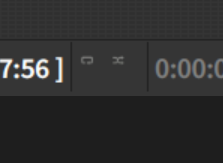
It seems that the buttons become normal size if I enable them.
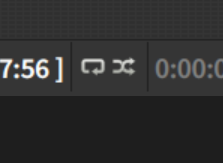
The situation was the same whether I check "Use system icons" or not.
When some file in the play list does not exist, it shows a "Resource not found" message box. This is even when Strawberry has been minimised.
I would rather not see such message box. If the file does not exist, Strawberry can just skip the file. I tried to find a relevant setting in the Settings, but I could not find it. Is that possible?
Wayland Gnome, 100% and 150% DPI dual monitors. On 150% monitor, the icons look like this:
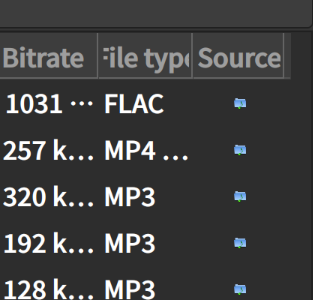
If I move the window to the 100% DPI monitor, it looks like this:
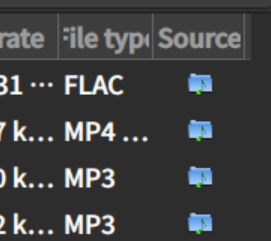
No matter which theme /icon set I choose, the icon is too dark for the dark theme. I think, either Strawberry should add an in-built icon set for dark theme, or maybe add white outlines to the current queue icon so that it would be visible regardless of the background colour.
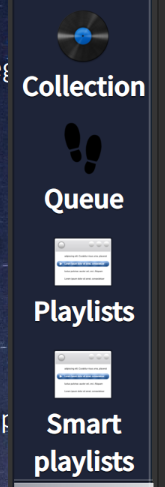
It looks like there is an old feature suggestion, but there was no reply. Was the request declined? I had been thinking about choosing between Subsonic and Jellyfin, and I thought Jellyfin may be better, because the Subsonic API seemed to be an old proprietary API, and the Jellyfin server has plugin support.
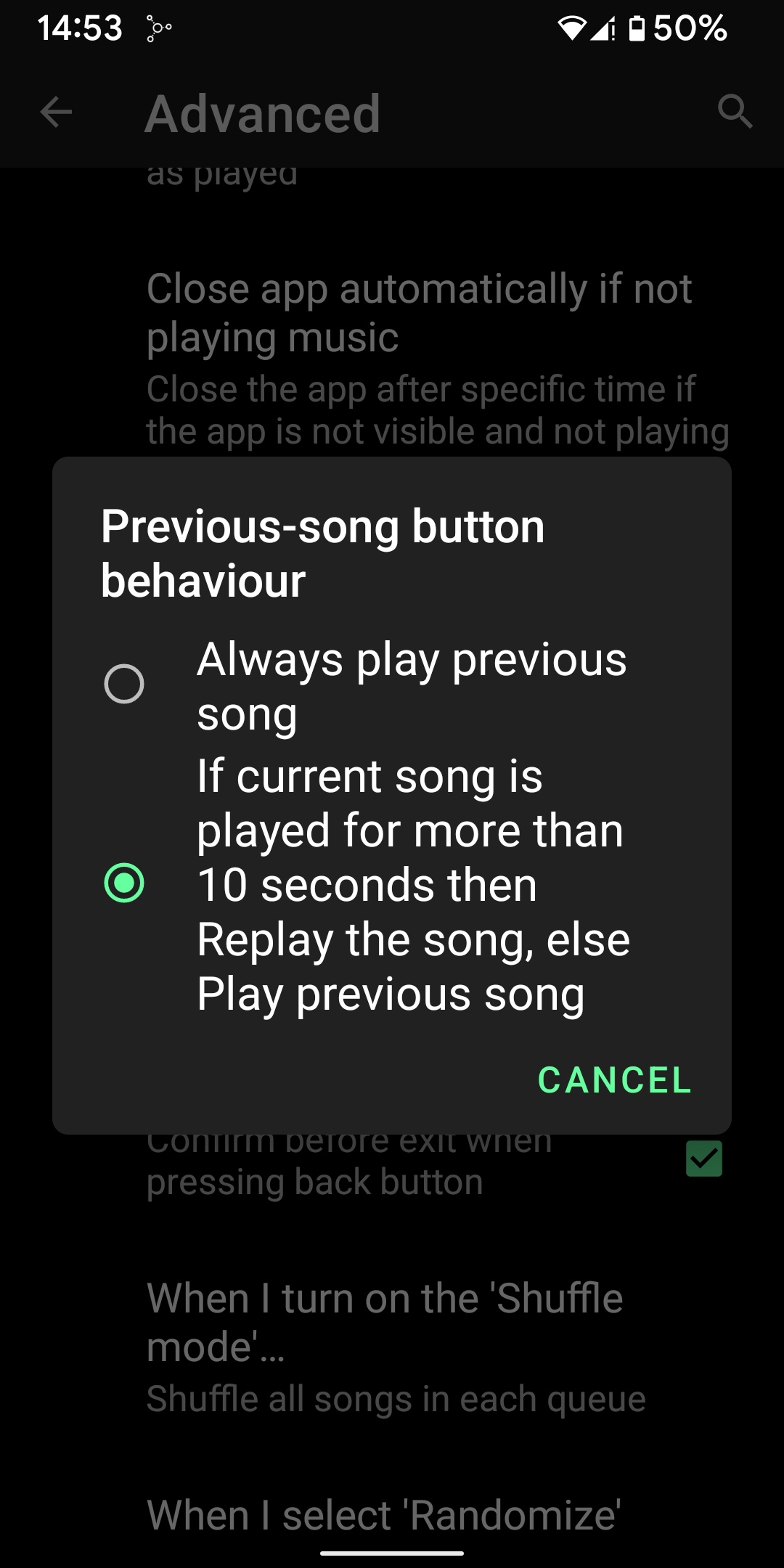
Currently, there are two options: (1)Always go to the previous track and (2)Always restart the song.

I wish there was a third option, a more intelligent one. That is, "if the song's current position is after a certain point, like 00:10, then restart the song, otherwise go to the previous track".
I don't know how others behave, but there is almost no chance that I would want to restart the song right at the beginning of the song, so that third option makes more sense. In fact, the music player I use on Android, Musicolet, has that option.