Trouble with SQL
-
I use the Manjaro Cinnammon operating system.
I had problems with Strawberry in both versions: stable and Flatpak.
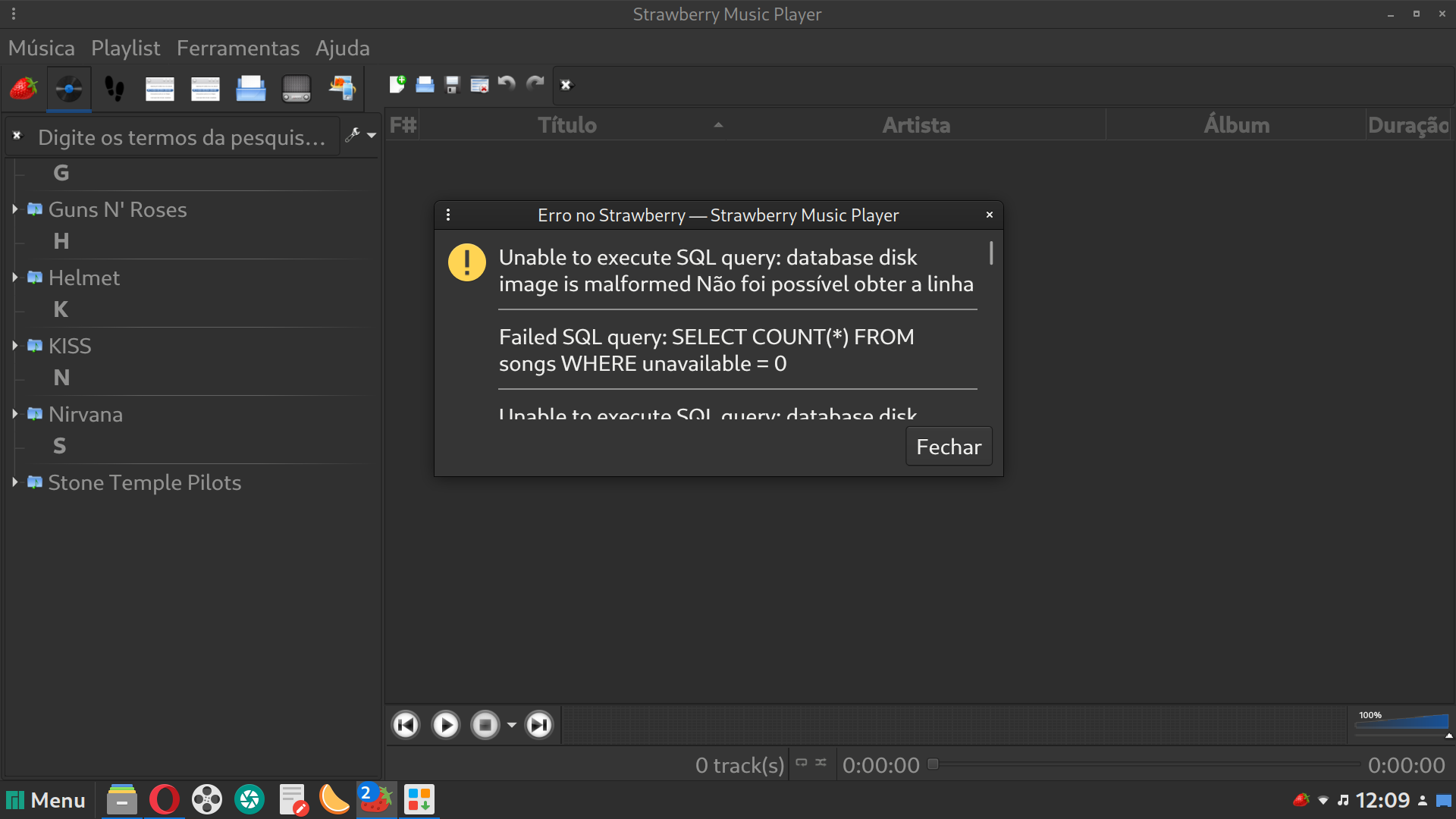
I installed it normally, continued using it for days and suddenly it stopped working and warnings like this appeared:
"*Unable to execute SQL query: database disk image is malformed.
Failed SQL query: SELECT COUNT() FROM songs WHERE unavailable = 0 "
Is there any solution for this?
Any commands to type in the terminal that can make the player work again?I really like this player and would like to use it again.
-
@henriquepz45
Close strawberry and check the database for errors:https://wiki.strawberrymusicplayer.org/wiki/Database_integrity_check
-
@jonas I did this, typed the command suggested for Linux in the terminal:
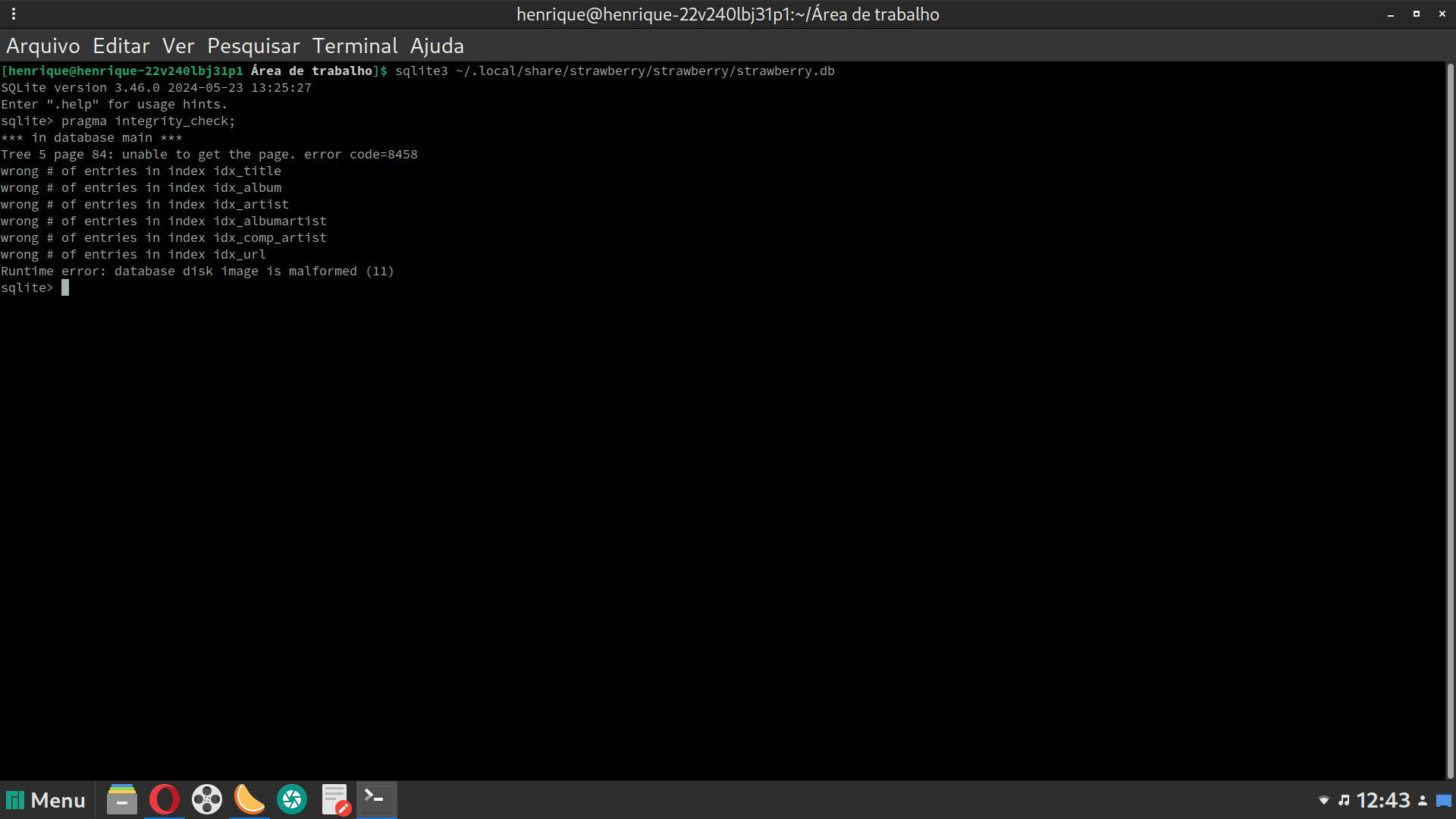
sqlite3 ~/.local/share/strawberry/strawberry/strawberry.db "pragma integrity_check
And nothing happened. I opened Strawberry and that warning appeared again, unfortunately.
-
@henriquepz45
You should see simply "ok" if the database is good.
But you should also see some output if the database has issues.You can try:
sqlite3 ~/.local/share/strawberry/strawberry/strawberry.db
and enterpragma integrity_check;You can also try the following.:
vacuum;
REINDEX;
enter
.quitto exit.Also check that your disk is not full.
If that doesn't solve it:
If you don't mind loosing your indexed collection and playlist you can simply delete the database file
strawberry.dband it will automatically create a new on startup.Otherwise there are some steps for possible recovery here: https://www.sqlite.org/recovery.html
-
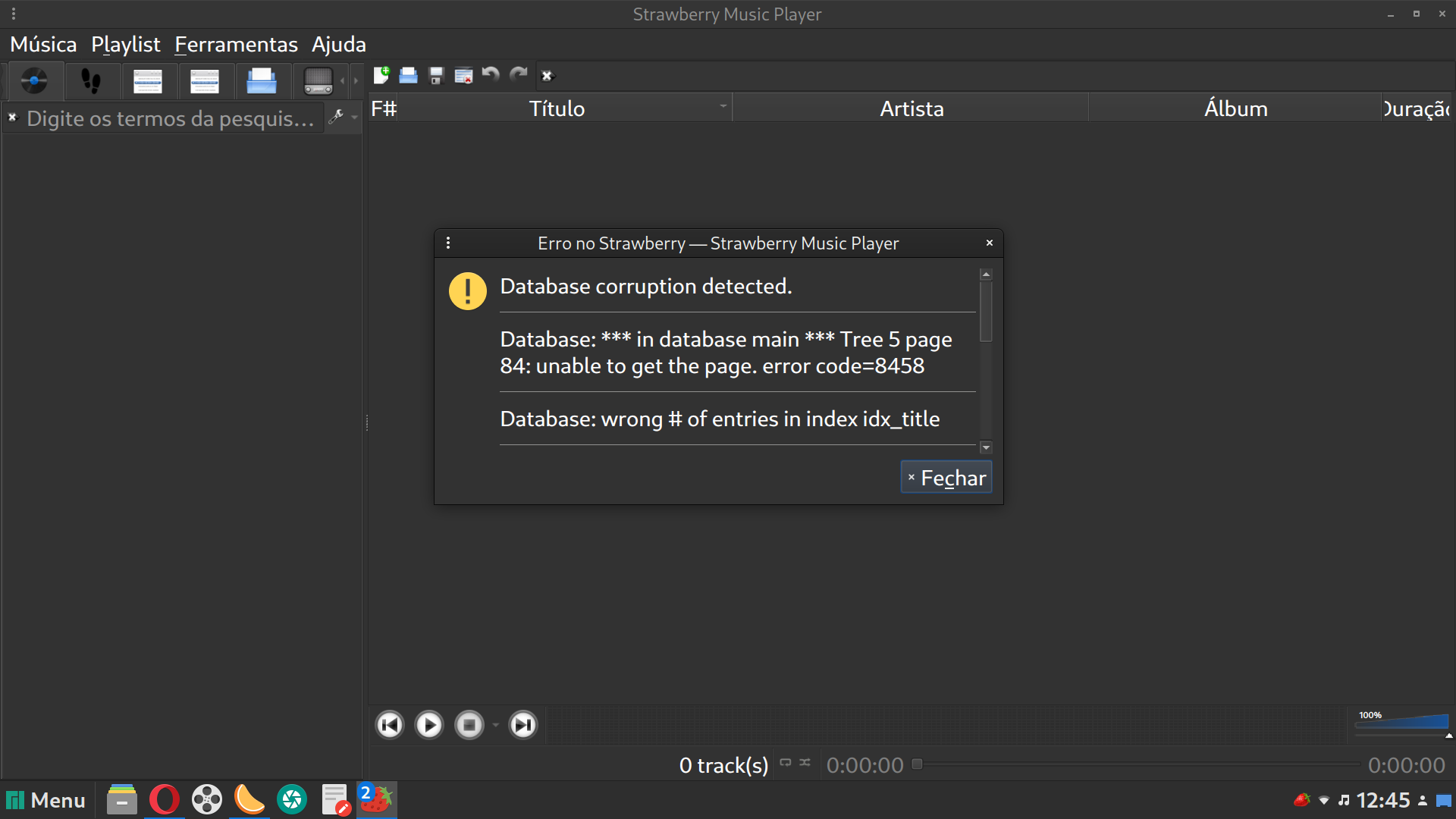
I did what you recommended and was unable to get the player to work again. This is sad, because since last year, the Strawberry player has always worked well. I don't think there's anything else to do...
Well, thanks for helping me.

Hello! It looks like you're interested in this conversation, but you don't have an account yet.
Getting fed up of having to scroll through the same posts each visit? When you register for an account, you'll always come back to exactly where you were before, and choose to be notified of new replies (either via email, or push notification). You'll also be able to save bookmarks and upvote posts to show your appreciation to other community members.
With your input, this post could be even better 💗
Register Login