Add a Dark Mode
-
@jonas Well in my experience all KDE-related theme stuff are generally behaves rather bad in other DEs, especially in gtk-based environment. And breeze is kde default theme, so it applies too, i guess.
But Qt themes not related to KDE usually behave ok everywhere from my experience. I'm personally using QtCurve configured to mimic my gtk3 Adwaita-dark theme under gnome shell, and it looks fine.
Anyway, what im trying to say is, as long as other qt themes work fine, and breeze works in kde, it should probably be fine. Compared to windows, at least.
p.s. Ok there qt6ct actually, but its only present in fedora and arch official repositories, and not others. For most users its as good as not present, as they probably wont bother trying to compile from github.
-
Creating an account specifically because this is important to me too. Strawberry player seems like a nice music player, but my eyes don't appreciate so much light.
-
Here is a screenshot of Strawberry on Debian.
Built with Qt5, on Xfce4, with Fusion style & 'Waves' color scheme.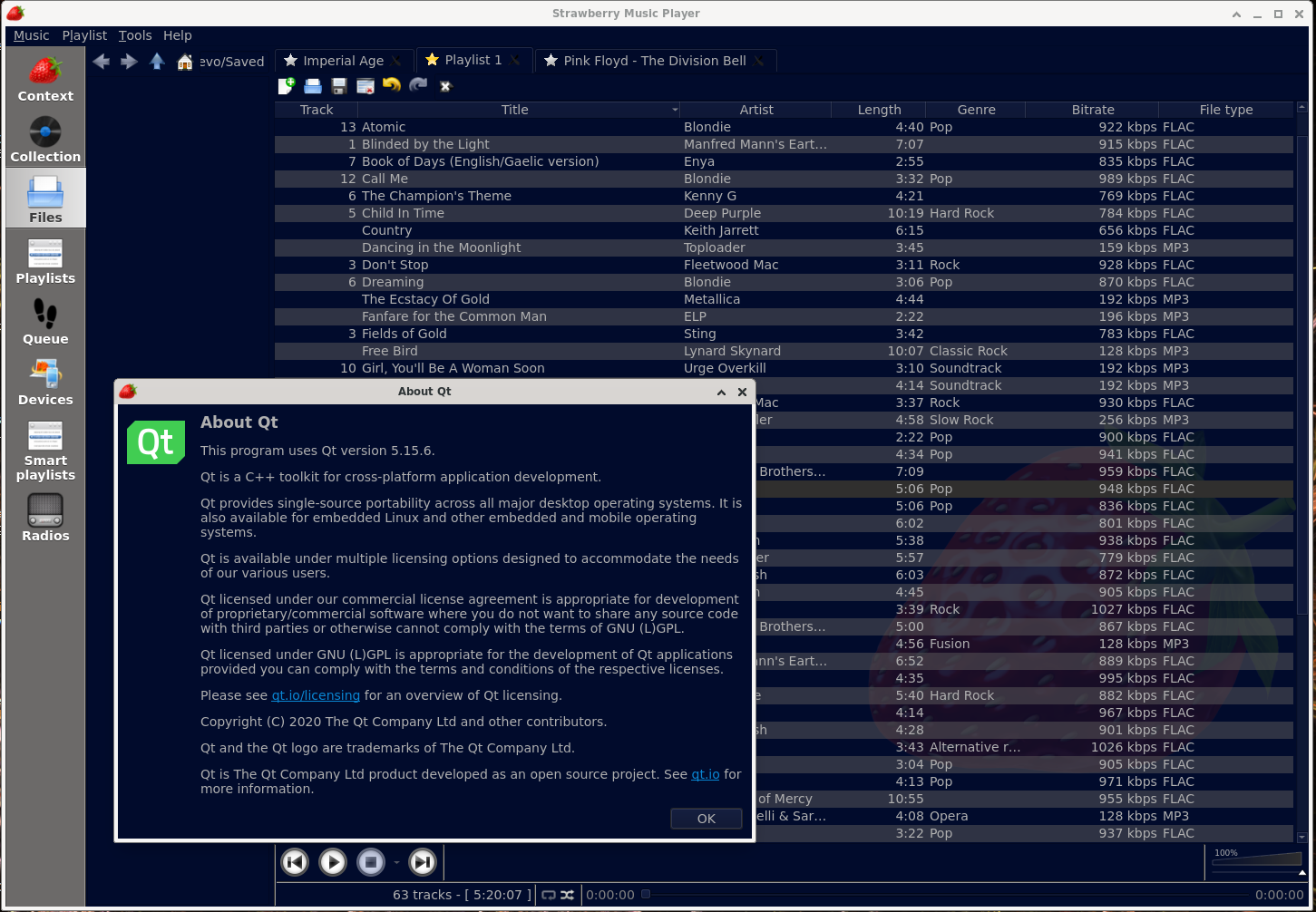
-
@PeterB If only achieving this on windows was as simple...
-
@PeterB Ooh! That looks nice. If you have some time, would you post some instructions for how to do this?
Thanks for your time,
GarethFuller -
@GarethFuller
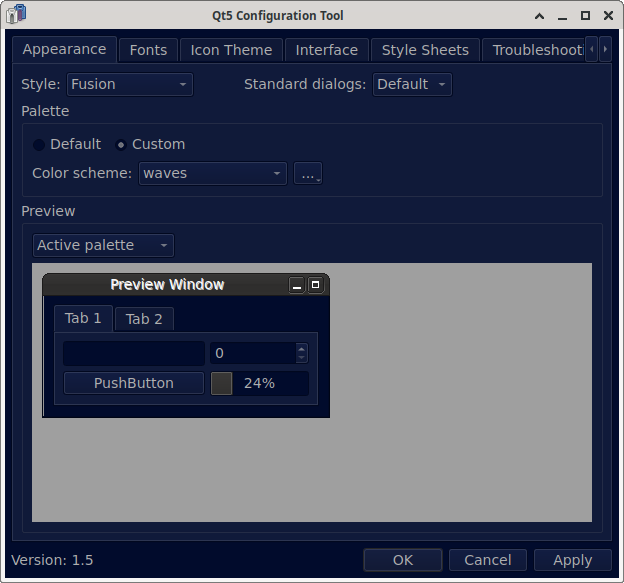
On Linux, use qt5ct or qt6ct as appropriate, select Fusion Style and use waves as the Custom Color scheme
-
If you are having trouble with themes on arch linux, install strawberry-qt5 from the AUR, and install qt5-styleplugins along with qt5ct to set the theme you like, including gtk2 themes. Strawberry now comes with qt6 by default, which is a bit finnicky at the moment, so installing the qt5 version made it a whole lot easier. This took me a while to figure out, and since this is the first result that shows up on google, I might as well post it for everyone to see.
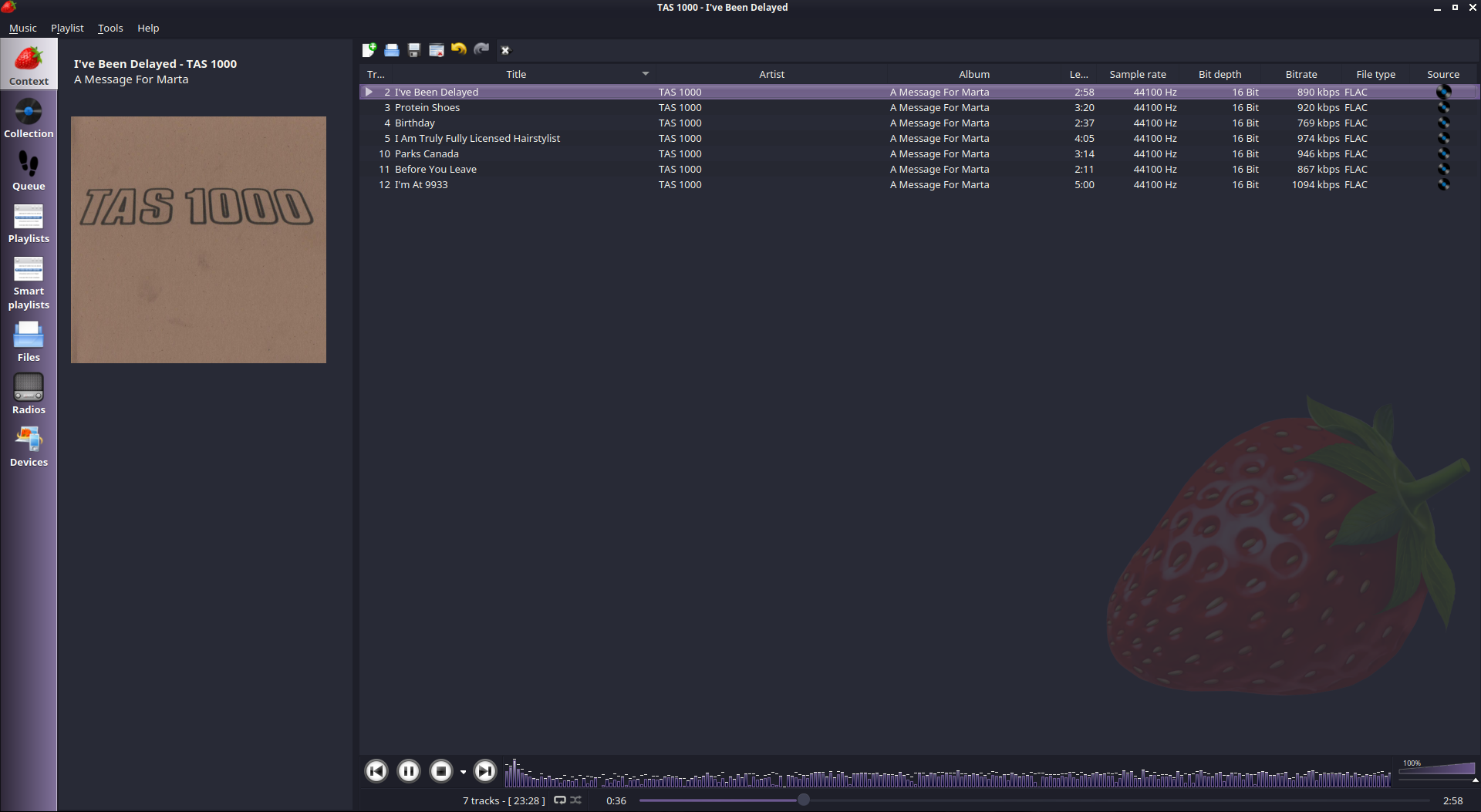
This is the Dracula-alt-style theme on GTK2.
-
https://www.qt.io/blog/dark-mode-on-windows-11-with-qt-6.5
Hallelujah Hallelujah
-
@baloo said in Add a Dark Mode:
https://www.qt.io/blog/dark-mode-on-windows-11-with-qt-6.5
Hallelujah Hallelujah
@jonas Since windows version is already built with Qt6.6, cant this be used as a dark mode solution for windows version, at least?
-
T thats_a_movie referenced this topic on
-
The new version 1.2.22 released now has an option for dark mode under the appearance settings, you can also configure each individual color on the interface.
