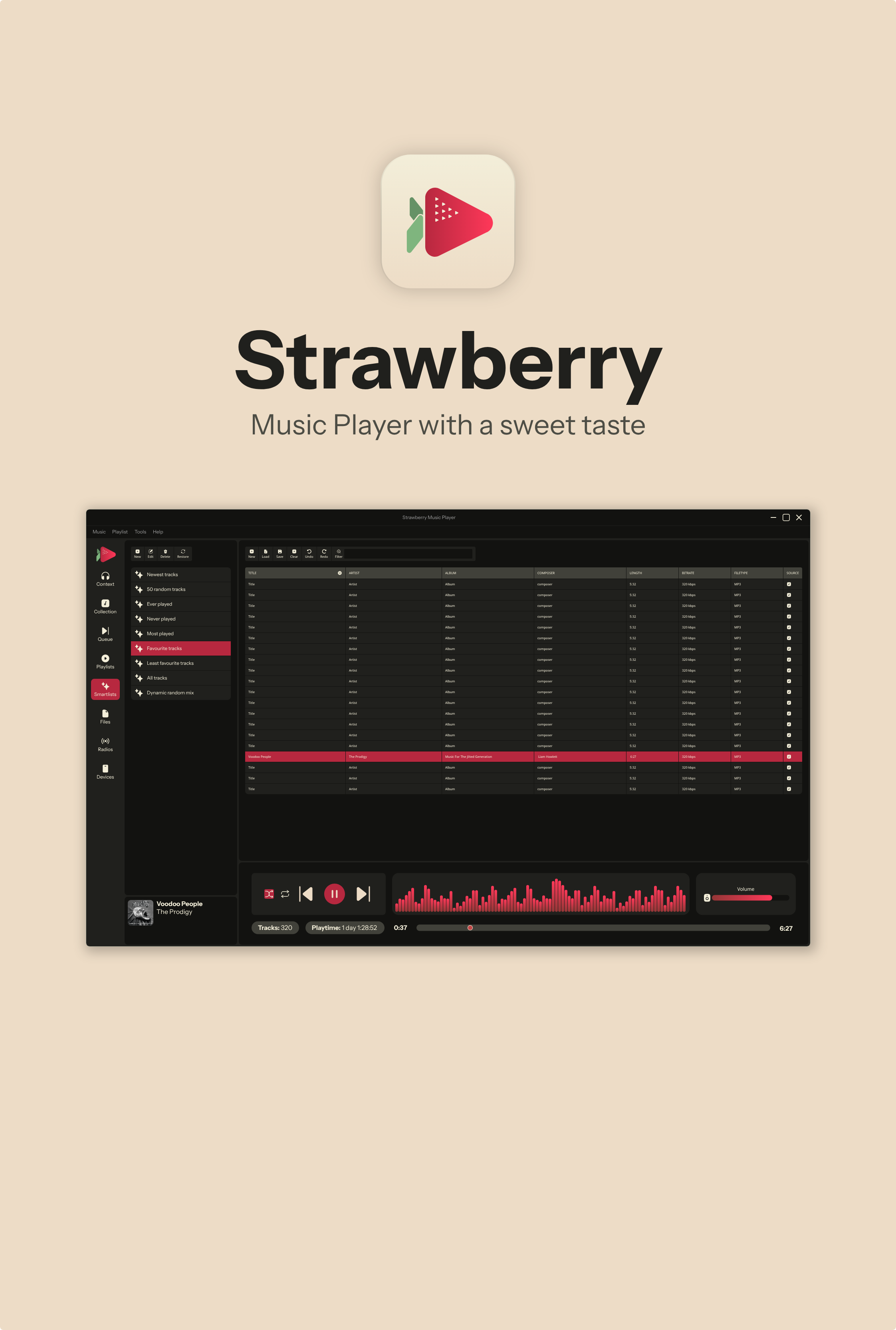
Strawberry Playlist Sync Tool
Sync your Strawberry Music Player playlists to disk M3U files with duplicate detection, automatic backups, and smart conflict resolution.
Features
Duplicate Detection: Find and remove duplicate tracks within playlists
Exact duplicates (same file added multiple times)
Optional fuzzy matching (same title/artist, different files)
Playlist Sync: Export database playlists to M3U files
Creates timestamped backups before overwriting
Shows what's added/removed before syncing
Add-only mode to preserve disk entries
Recursive subdirectory scanning
Multiple playlist directory support
Backup Rotation: Automatically clean up old backup files
Keep N backups per playlist (default: 3)
Delete backups older than N days (default: 60)
Count takes priority (always keeps minimum backups)
Never-Sync List: Skip utility playlists you don't want exported
Managed via neversync.txt in your playlist folder
Interactive prompts to add playlists during review
Requirements
Python 3.6+ (standard library only, no pip installs needed)
Linux, macOS, or Windows
Installation
Save the script to your preferred location, e.g.:
~/.local/share/strawberry/strawberry/strawberry-playlist-sync.py
Make it executable (Linux/macOS):
chmod +x strawberry-playlist-sync.py
Optionally create a desktop shortcut (see below).
Usage
Interactive Mode
./strawberry-playlist-sync.py
Presents a menu to choose between duplicate checking, syncing, and backup cleanup.
Command-Line Mode
Dry run (preview changes without writing):
./strawberry-playlist-sync.py -s -p ~/Music/playlists --dry-run
Dry run with full track details:
./strawberry-playlist-sync.py -s -p ~/Music/playlists --dry-run -v
Sync playlists to disk:
./strawberry-playlist-sync.py -s -p ~/Music/playlists
Sync including subdirectories:
./strawberry-playlist-sync.py -s -p ~/Music/playlists -r
Check for duplicates:
./strawberry-playlist-sync.py -d
Include fuzzy duplicates (same song, different files):
./strawberry-playlist-sync.py -d --fuzzy
Clean up old backups:
./strawberry-playlist-sync.py -c -n 5 -a 30
(Keep 5 backups, delete those older than 30 days)
Run all operations:
./strawberry-playlist-sync.py -d -s -c -p ~/Music/playlists
Automated mode (no prompts):
./strawberry-playlist-sync.py -s -p ~/Music/playlists -y
Multiple Directories
./strawberry-playlist-sync.py -s -p ~/Music/playlists -p /media/usb/playlists
Command-Line Options
┌─────────────────────────┬─────────────────────────────────────────────────┐
│ Option │ Description │
├─────────────────────────┼─────────────────────────────────────────────────┤
│ -d, --check-duplicates │ Find and remove duplicate tracks │
├─────────────────────────┼─────────────────────────────────────────────────┤
│ --fuzzy │ Include fuzzy duplicates in check │
├─────────────────────────┼─────────────────────────────────────────────────┤
│ -s, --sync │ Sync database playlists to disk │
├─────────────────────────┼─────────────────────────────────────────────────┤
│ -c, --cleanup-backups │ Clean up old backup files │
├─────────────────────────┼─────────────────────────────────────────────────┤
│ -p, --playlist-dir PATH │ Playlist folder (can be used multiple times) │
├─────────────────────────┼─────────────────────────────────────────────────┤
│ -r, --recursive │ Scan subdirectories for M3U files │
├─────────────────────────┼─────────────────────────────────────────────────┤
│ --add-only │ Only add tracks, preserve existing disk entries │
├─────────────────────────┼─────────────────────────────────────────────────┤
│ --db-path PATH │ Path to strawberry.db (auto-detects if not set) │
├─────────────────────────┼─────────────────────────────────────────────────┤
│ -n, --keep-count N │ Backups to keep per playlist (default: 3) │
├─────────────────────────┼─────────────────────────────────────────────────┤
│ -a, --max-age DAYS │ Max backup age in days (default: 60) │
├─────────────────────────┼─────────────────────────────────────────────────┤
│ --dry-run │ Preview changes without writing │
├─────────────────────────┼─────────────────────────────────────────────────┤
│ -v, --verbose │ Show full track details (with --dry-run) │
├─────────────────────────┼─────────────────────────────────────────────────┤
│ -y, --yes │ Skip confirmation prompts │
└─────────────────────────┴─────────────────────────────────────────────────┘
Never-Sync List
To exclude playlists from syncing (e.g., utility playlists for finding missing metadata):
During interactive review, when you skip a playlist, you'll be asked if you want to add it to the never-sync list.
Or manually edit neversync.txt in your playlist folder:
Playlists listed here will be skipped during sync operations.
NoComposerSP
BitrateLessThan129SP
UnratedSP
Desktop Shortcut (Linux)
Create a shell script on your desktop:
#!/bin/bash
Strawberry Playlist Sync
~/.local/share/strawberry/strawberry/strawberry-playlist-sync.py -s -p ~/Music/playlists -r
Save as strawberry-playlist-sync.sh and make executable with chmod +x.
Database Locations
The script auto-detects Strawberry's database in these locations:
Linux: ~/.local/share/strawberry/strawberry/strawberry.db
macOS: ~/Library/Application Support/Strawberry/strawberry/strawberry.db
Windows: ~/AppData/Local/strawberry/strawberry/strawberry.db
Use --db-path to specify a custom location.
Notes
Safe to run with Strawberry open: The script only reads from the database (except for duplicate removal), so syncing while Strawberry is running is fine. For
duplicate removal, close Strawberry first.
Backups: Before overwriting any M3U file, a timestamped backup is created in a backups/ subfolder.
M3U Format: Uses extended M3U with #EXTINF:seconds,Artist - Title lines.
Path Handling: Automatically converts database file:// URLs to filesystem paths and handles URL-encoded characters.
License
Public domain / CC0. Use however you like.
Created by me and Claude Code tonight.